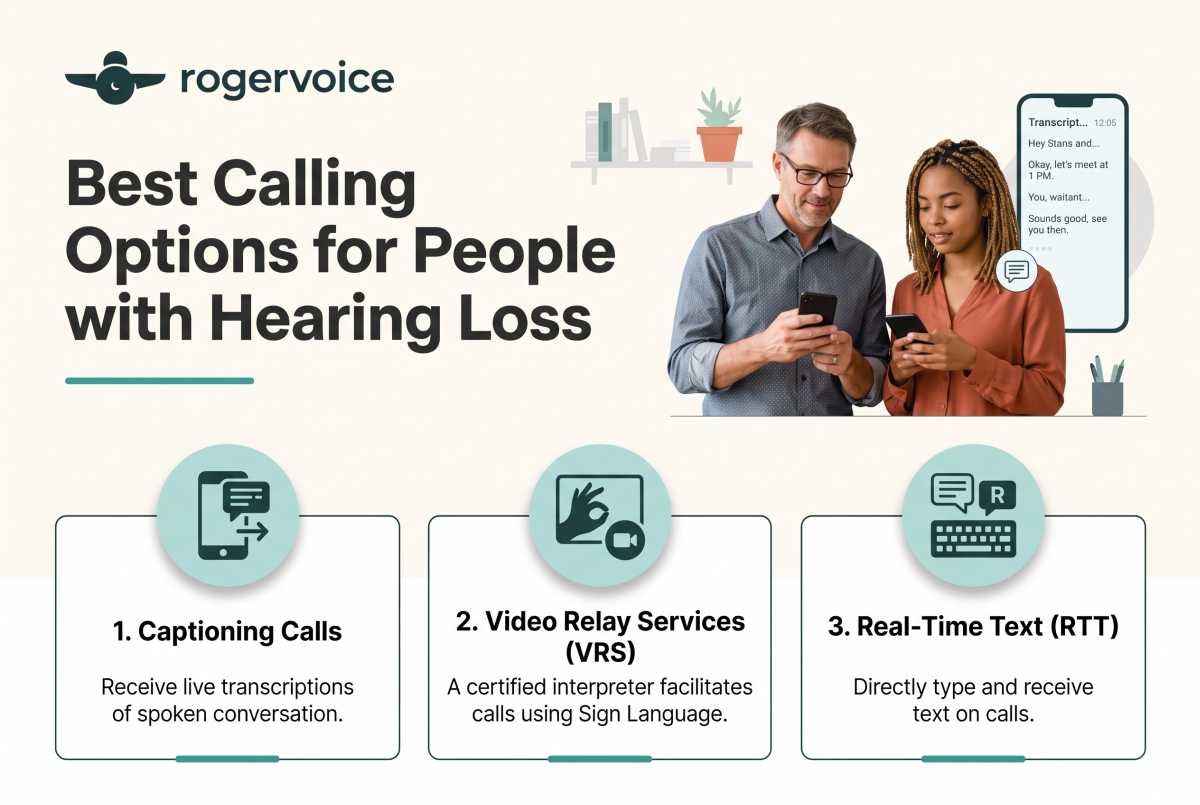
You’re rushing between meetings when your phone rings – it’s a critical call from your insurance agent. With all of the ambient noise on the street, you know you’ll find yourself trapped in the infinite “Sorry, can you repeat that?” loop. Instead of engaging in an important conversation about your homeowner’s coverage, you let the call go to voicemail, fully dreading the fact that you will have to replay a garbled audio file six times just to catch the important details.
Let’s be completely real: This is annoying. The difficult call breaks your daily momentum and makes an everyday task feel like a major chore. But you don’t have to manage this quietly, and you don’t have to keep compensating. Rogervoice quietly handles the situation so you can handle every call just like anyone else.
If you’ve recently started looking for better phone call options for hearing loss, you’ve probably noticed the choices can vary widely. A 2026 survey found that 60% of Americans say phone calls are still inaccessible to people who are deaf or hard of hearing. Fortunately, the best option doesn’t always require a new physical phone. Often, your best option is a lifestyle-forward captioned calling app on the smartphone you already use.
The Main Phone Call Options
When you’re exploring accessible phone call options, it helps to understand what the telecom industry currently offers.
| Technology | How it Works | The Reality |
| TTY System | Traditional text-telephone hardware. | Slower than modern apps and requires separate equipment. Not built for modern life. |
| Amplified Landline | Physical phone blasting high-volume audio. | Reliable in a fixed location, but keeps you tethered to a desk. |
| Vibrating Alert | Hardware add-ons to signal incoming calls. | Tells you the phone is ringing, but doesn’t help you understand the words once you pick up. |
Why Caption Call Apps Fit Modern Life
For busy adults managing careers, appointments, and social lives, a stationary desktop unit doesn’t align with modern phone use. You need a solution that moves with you.
You don’t need to order heavy desktop phones or manage extra landlines. Modern software uses secure, AI-powered speech recognition to stream text across your screen, so you can read every word in real time and reply by voice or text. Think of it as a lifestyle tool that delivers new options to those who are hard of hearing, just as AirPods are the lifestyle accessory that delivers audio quality.
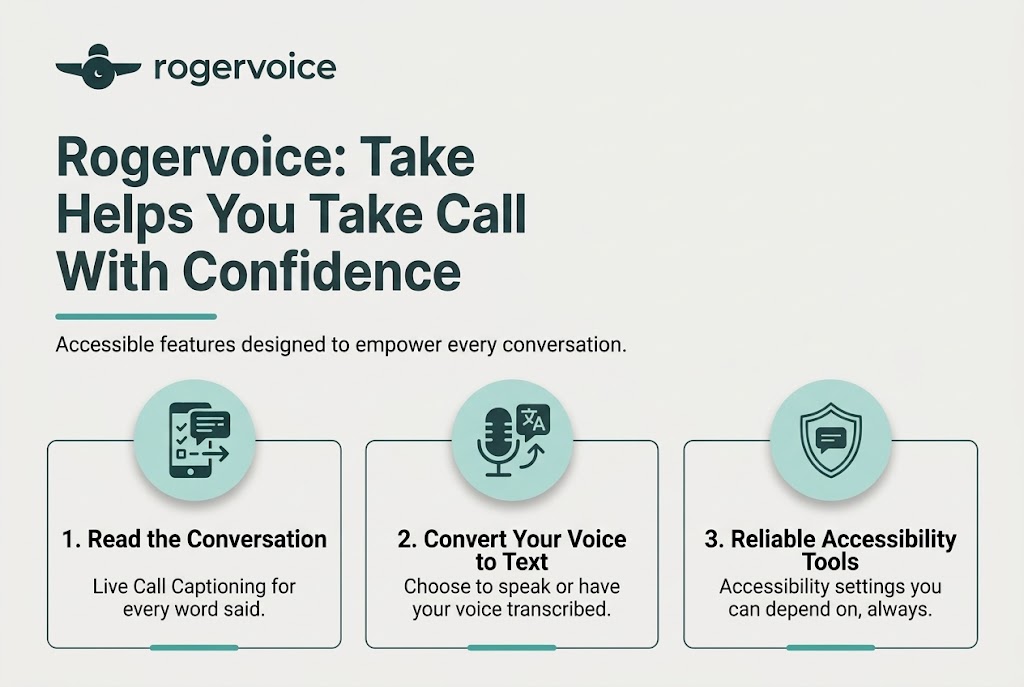
How Rogervoice Helps You Take Calls With Confidence
Rogervoice was designed from lived experience. It was built in 2014 by Olivier Jeannel—deaf since age 2—because he needed it himself. He is not a founder who studied the problem from the outside; he built the tool he uses every day. Today, our free, AI-powered app has captioned more than 12 million calls.
When you choose Rogervoice, you’re choosing an app built to give you the freedom to be fully present:
- Be Yourself: Have the confidence to be yourself, anytime, anywhere, and free from limitations. Since Rogervoice uses AI-only captioning, your captions are generated automatically. No one needs to know you are using it.
- Stay Connected: Every conversation is a relationship, and life doesn’t pause for missed calls. We built this app because we’ve lived it, so you are not navigating this alone.
- Peace of Mind: Your most private conversations deserve the most private technology. We use AI-only captioning, so there’s no human operator ever listening to your call. We don’t run ads, and we don’t sell data. We have been GDPR-rooted since 2014 with 11 years and zero enforcement actions.
Frequently Asked Questions
Do I need a doctor’s note or prescription to use a caption phone app?
No. There’s no prescription or clinical diagnosis required. It’s FCC-certified, which means captioned calling is free for eligible users with hearing loss in the U.S.
Can I keep my current mobile number and carrier?
Yes. You keep your existing phone number. The software works right on your existing Android or iPhone.
Does the app support multiple languages?
Yes. Modern communication is global. Rogervoice supports 100-plus languages, with automatic language detection mid-conversation.
Download free on Android and iOS. Make the call you’ve been putting off.
Required IP Captioned Telephone Disclaimer: FEDERAL LAW PROHIBITS ANYONE BUT REGISTERED USERS WITH HEARING LOSS FROM USING INTERNET PROTOCOL (IP) CAPTIONED TELEPHONES WITH THE CAPTIONS TURNED ON. There is a cost for each minute of captions generated, paid from a federally administered fund.
