
How Rogervoice works
Every feature, one step at a time. This is the full feature walkthrough, from download to your first captioned call and the transcript afterwards.
 Step 01
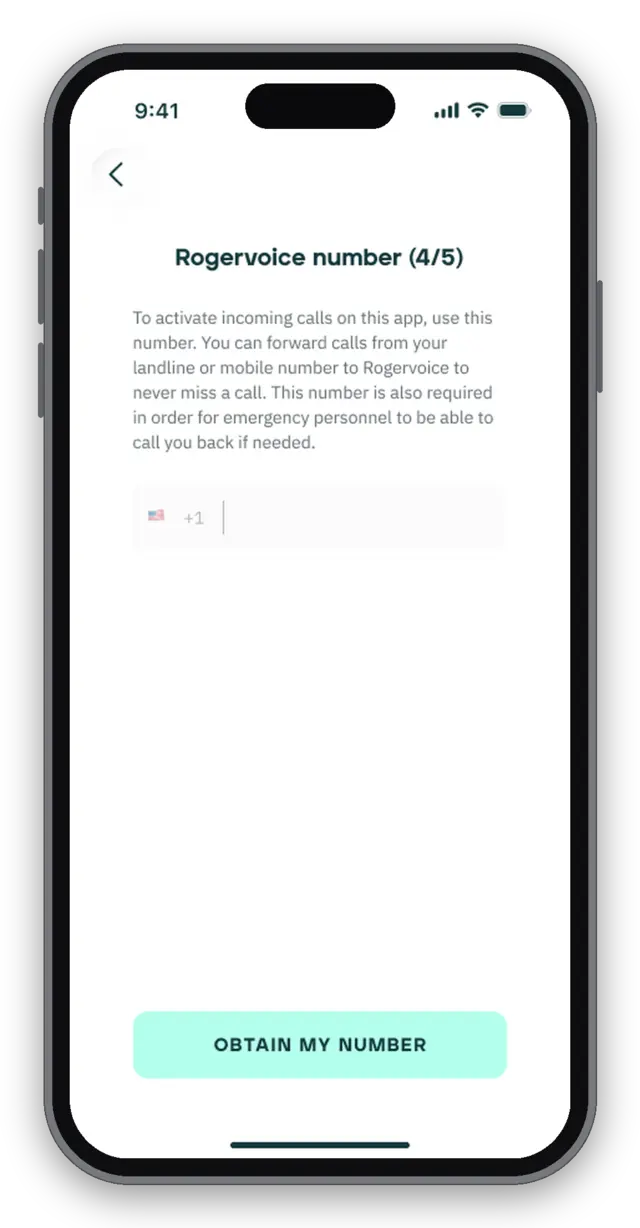
Set up once, in about two minutes
Download the app, verify you're eligible and keep your existing number. Setup takes a couple of minutes.
- Step 02
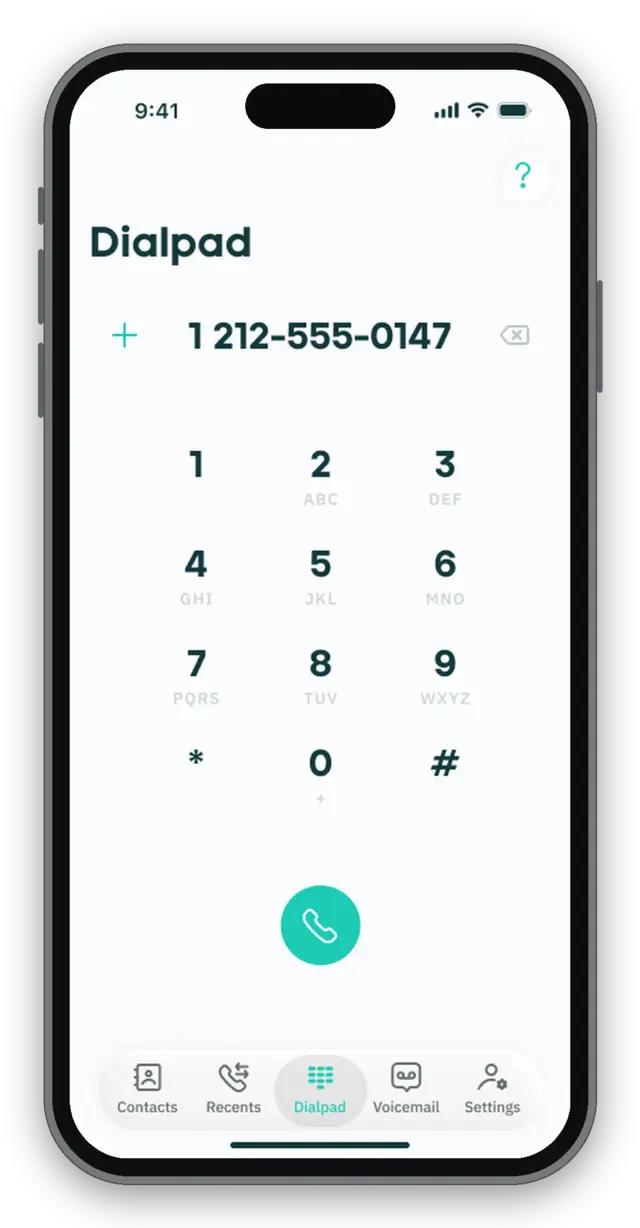
Make or take a call as normal
Dial from the app or answer an incoming call. The other person doesn't need Rogervoice and doesn't do anything differently.
- Step 03
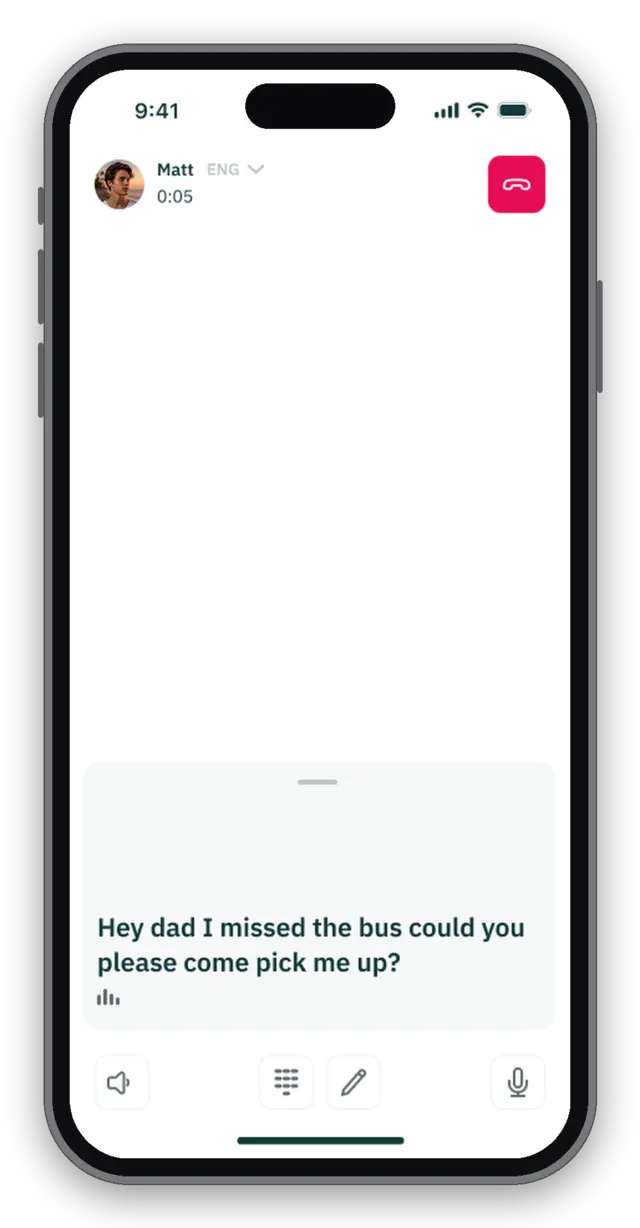
Read the words as they're spoken
AI captions appear live, in 100+ languages on calls, with no human operator on the line. Scroll back mid-call if you miss a word.
Try it on your next call
#1-rated captioned calling app on iPhone and Android*
Or get it straight from the store


- Step 04
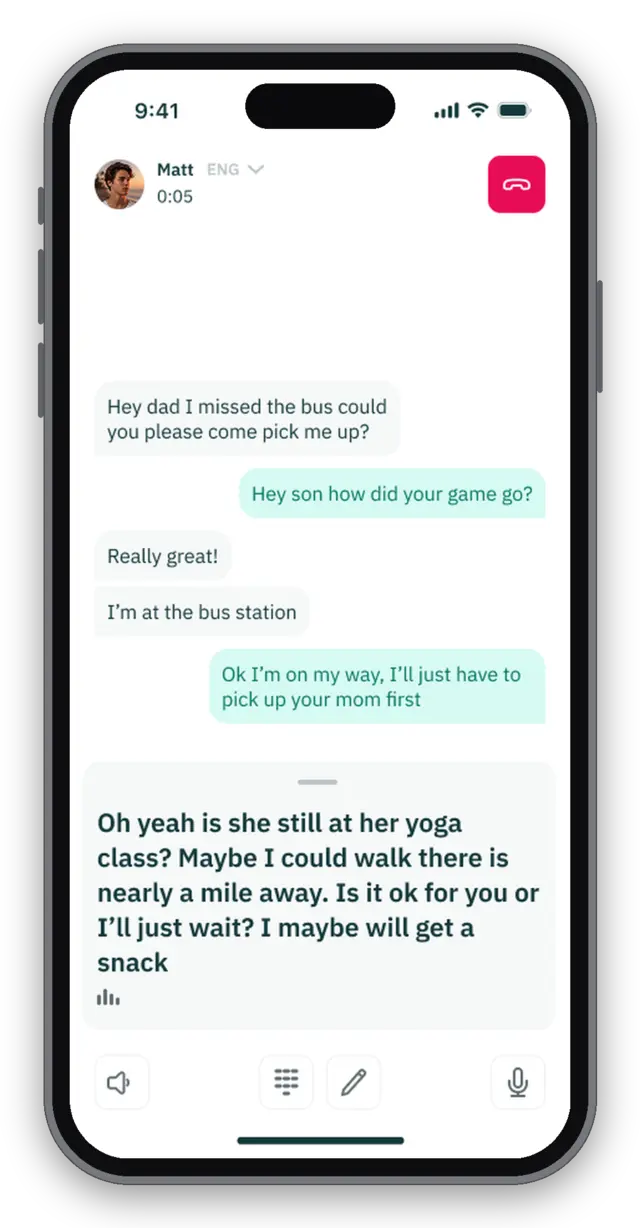
Reply your way
Speak as normal, or type and Rogervoice says it out loud for you.
- Step 05
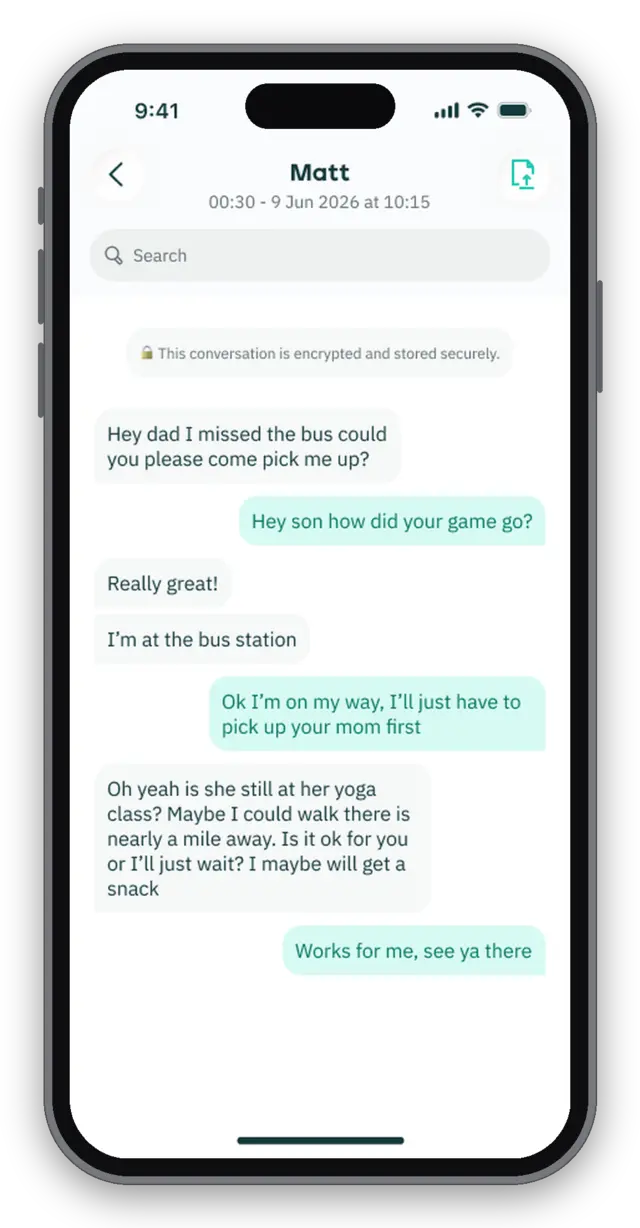
Read it back afterwards
Every call is saved as a searchable transcript, so the date, the number or the name is there when you need it.
 Step 06
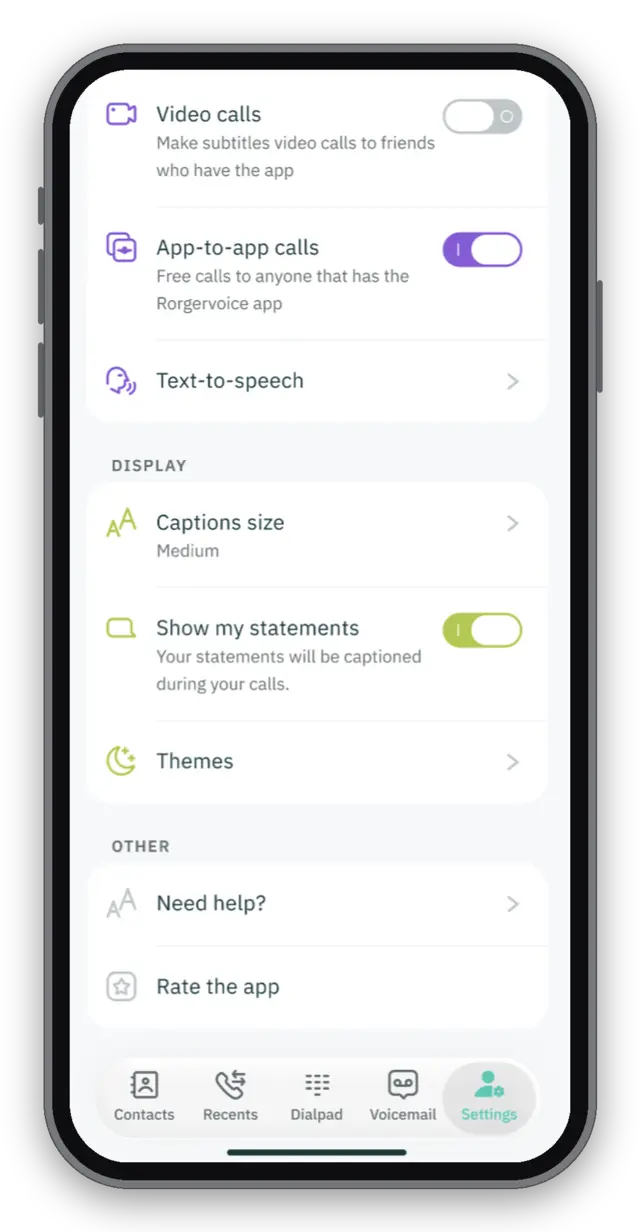
Make it comfortable to read
Set caption size and appearance once; every call uses it.
- Step 07
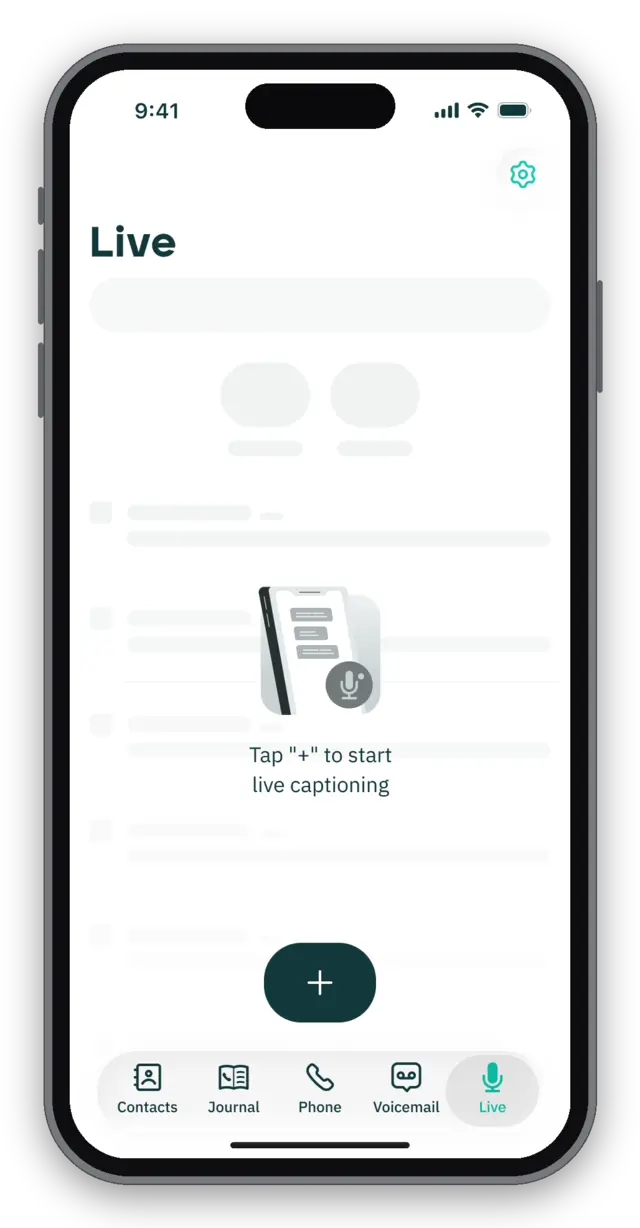
Caption a conversation in person
New, coming November 3. Open the Live tab, tap +, and read what the person in front of you says in large, clear text.
Try it on your next call
#1-rated captioned calling app on iPhone and Android*
Or get it straight from the store

The call you’ve been putting off? Make it.
Every conversation, captioned. Free, AI-only, no human listener. 12 million+ calls captioned.

Federal notice: FEDERAL LAW PROHIBITS ANYONE BUT REGISTERED USERS WITH HEARING LOSS FROM USING INTERNET PROTOCOL (IP) CAPTIONED TELEPHONES WITH THE CAPTIONS TURNED ON. IP Captioned Telephone Service may use a live operator or automated speech-recognition technology.