
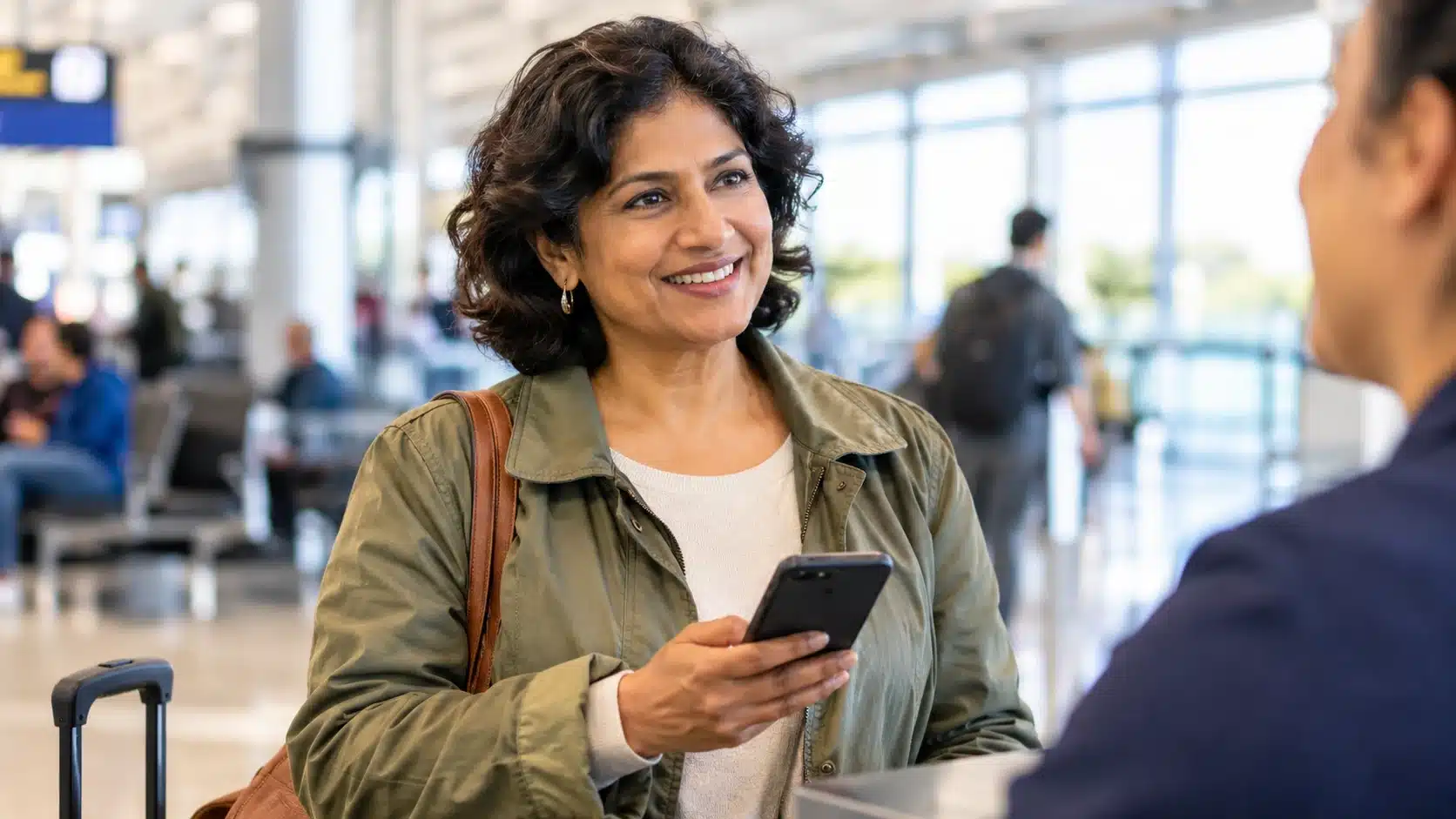
Around the world, it feels like every airport has an uncanny, annoying, undefeated ability to deliver crucial information at the worst possible moment. It’s almost like they’re patiently waiting to announce your gate change right as the clerk tells you the outrageous price of your sandwich. Sure, you sort of hear the announcement crackling through a speaker somewhere above 600 rolling suitcases and a beeping golf cart or two, but by the time you’ve deciphered it, it’s over. Oh, and suddenly everyone around you seems to be walking somewhere. Very quickly.
For travelers with hearing loss, including those who are deaf or hard of hearing, a little preparation can make these moments considerably less interesting. And “less interesting” is exactly what you want from airport logistics. Here’s how to get ready before your suitcase leaves the bedroom.
Start with Your Apps
Start with your airline’s app. Check the passenger profile, which usually offers accessibility preferences and shows what other communication assistance is available. For example, find out if your departure airport offers visual flight updates or other helpful support. For U.S. flights, airlines are required to provide timely access to important travel information to passengers who identify their communication needs. A quick conversation with staff can put that into practice.
Next, it’s a good idea to check other apps for your hotel, rental car, and ground transportation services. For instance, can you communicate through text or chat? Will your rideshare app show the driver’s location and license plate? The fewer details you have to sort out through a hurried conversation, the better.
Make the Important Stuff Easy to Find
Finding your boarding pass shouldn’t require a treasure hunt through 47 emails. Save screenshots (and print a backup) of your flight details, confirmation numbers, and hotel addresses. Keep it all together in a folder or travel note (preferably accessible offline – because you never know).
It’s a good idea to include your destination address in the local language when you’re traveling internationally. That’s incredibly useful when your cab or rideshare driver is waiting for answers and neither of you has mastered the other’s accent.
Give Your Devices Their Own Packing List
Like any traveler, you’ll want to fully charge your phone before you leave home. But unlike most travelers, you also have to think about other devices – hearing aids, cochlear implant equipment, specialized charging cables, adapters, power banks, spare batteries, and cleaning or maintenance supplies. Make a separate checklist to make sure you don’t forget anything.
Savvy travelers know to keep essential hearing devices and backups in their carry-on bag at all times, because, as we all know, checked luggage can take an “unexpected vacation” of its own. Be sure to check with your airline about rules regarding lithium batteries and power banks. Download anything you’ll need without internet access (think: maps, reservations, and captioning tools).
At the Airport, Trust Your Eyes, Too
Gate signs and airline apps are super-helpful when public announcements get lost in the noise. Many airports also offer their own “wayfinding apps” (sort of like an indoor GPS) to help you reach your gate faster. Don’t be shy about checking in at the Travelers Aid booth (where available) to confirm your gate and time – especially when connections are tight. And it’s never a bad idea to introduce yourself to your gate agent and explain that you might not catch all of the spoken announcements.
For conversations at the gate, step to the end of the counter and set your phone down close to the agent. With Rogervoice in-person captioning, you can read along as the gate agent explains a schedule change – or maybe even offers you the upgrade you deserve!
Was it gate B13 or B30? Check the transcript. It’s saved and searchable. In-person captioning also works offline and on-device, so a dead zone at baggage claim doesn’t end the conversation. For critical details, like a new gate number or departure time, double-check the departures board or your airline app, too.
Make the Rebooking Call Without the Guesswork
Flight canceled? Plenty of rebooking still happens over the phone, usually with a hold line, a fast-talking agent, and a confirmation code so long you briefly wonder whether you’re rebooking a flight or launching a satellite. With Rogervoice, every incoming and outgoing call gets real-time captions on your existing number. Speak or type your reply, and the transcript is saved, so that code is right there when you need it. The same goes for the hotel front desk or the driver calling from the pickup lane. Captioned calls are FCC-certified and free for eligible users in the U.S.
Prepare for the Noisy Moments
We all know that security checkpoints, customs desks, rental counters, and rideshare pickup areas all have their own “charming” acoustic challenges. If you keep a notes app ready, you can tap out some quick written exchanges. A short message such as “I’m hard of hearing. Could you please write that down?” can do the trick. So can showing an address or your reservation rather than explaining it aloud. What’s more, at U.S. security checkpoints, you can request communication assistance, and TSA Cares can help arrange additional screening support (contact them at least 72 hours before your flight).
Get in Touch with Your Hotel
Before arrival, ask whether your hotel offers visual fire alarms, door-knock notifications, vibrating wake-up devices, or other accessible room features. Confirm what will actually be available in your room. A listing marked “accessible” doesn’t necessarily have the features that matter to you.
Check Your Tech – Before You Hit the Road
It’s always a good idea to “check your tech” in advance – especially when you’re traveling overseas. Top of the list: Check with your mobile carrier to confirm the international roaming rules and charges, eSIM options, and Wi-Fi access. Next, verify your favorite captioning, translation, or communication services are available in your destination country. Rogervoice in-person captioning supports 45 languages on iPhone and 15 on Android. If you’re using language packs, download and test them in advance. A little testing at home beats troubleshooting at midnight in an unfamiliar airport.
Download Rogervoice free on iPhone and Android. Captioned calls are FCC-certified and free for eligible users. In-person captioning is free. Every conversation, captioned.
The Savvy Traveler’s Quick Checklist
- Confirm your accessibility preferences and communication features with your airline(s) and hotel(s).
- Save and print images of your tickets, addresses, reservations, and other details for offline access.
- Pack your chargers, device supplies, and backups in your carry-on – never in your checked bag.
- Download, install, and activate airline and travel apps.
- Ensure your in-person captions, translation tools, and connectivity all work properly.
- Confirm visual alerts and emergency notification arrangements.