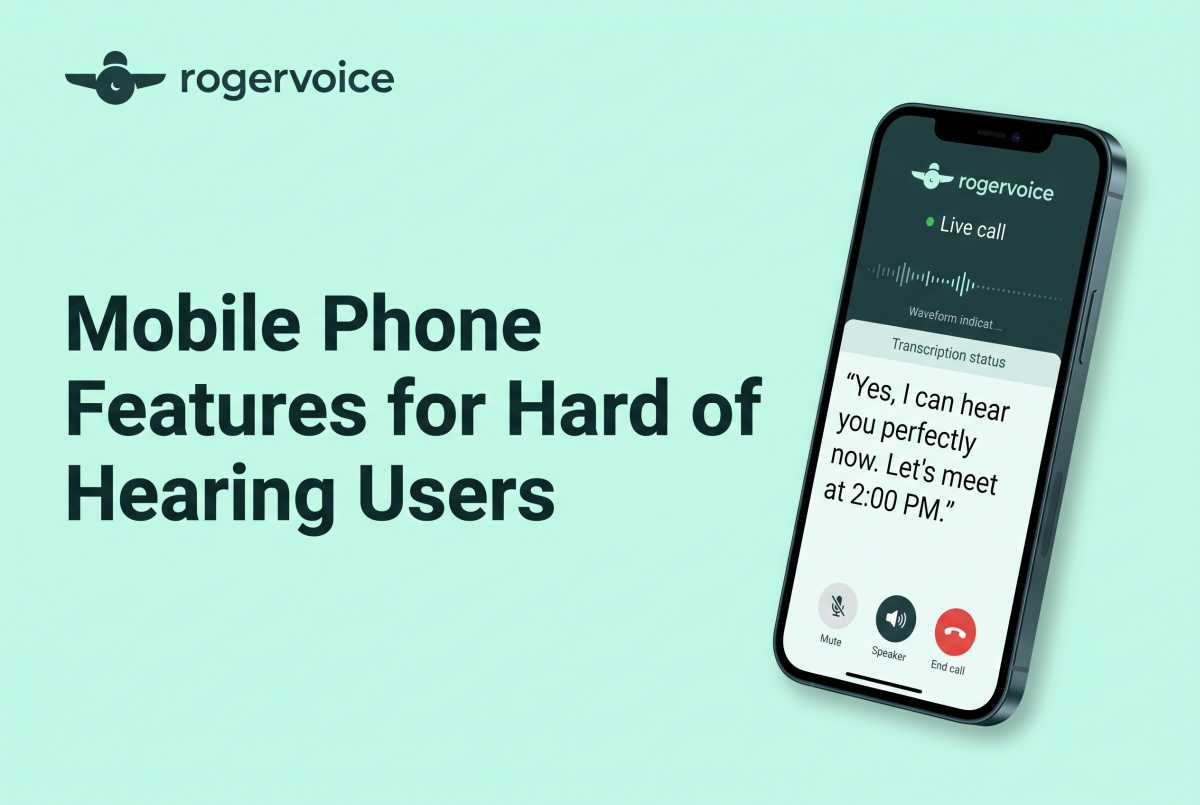
As you stand on a windy street corner, you’re desperately trying to catch what your food-delivery driver is saying over the phone.That’s when, once again, you instantly slide into that repetitive, exhausting “Sorry, can you repeat that?” loop. Or worse, you decide it isn’t worth the hassle and let the call go straight to voicemail. Then you find yourself replaying a garbled, 10-second clip six times in a row just to guess what time your order will now arrive.
Let’s be completely honest: That’s incredibly annoying. It breaks your concentration, stalls your momentum, and turns a basic, everyday conversation into a stressful guessing game.
If you’re deaf or hard of hearing, you’re no longer forced to use separate specialized devices. Today, many powerful communication tools work directly inside the smartphone you already carry. A recent Rogervoice survey highlights that 60% of Americans still find phone calls inaccessible for people who are deaf or hard of hearing. Fortunately, you don’t need a separate device that doesn’t fit the way you live. You just need to know how to unlock the right features on your mobile phone.
Built-In Settings on Your Current Smartphone
Whether you prefer an iOS or Android phone, mobile devices have evolved to handle dynamic, fast-paced lifestyles. If you are exploring settings to optimize your phone, your first stop should be your device’s built-in accessibility menu.
Here are the native features that offer you immediate daily value:
- Mono Audio and Sound Balance: Standard audio tracks split sound channels across left and right earbuds. Turn on Mono Audio to blends all sound into a single channel, ensuring you catch all the audio even if one ear has a stronger profile.
- LED Flash Alerts: Missing an urgent text or a call from a client because your device was face-down on a desk can be very disruptive. Activate visual alerts so your camera’s light flashes whenever an incoming alert arrives.
- Sound Recognition Notifications: A modern smartphone can actively monitor your environment and push a notification to your screen if it detects specific acoustic triggers like a fire alarm, a ringing doorbell, or a car horn.
Where Built-In Phone Features Fall Short
While these built-in tweaks enhance the usability of your phone, they can fall short when it comes to high-stakes, fluid, two-way voice calls.
Historically, reliable mobile phones for hard-of-hearing users often meant separate specialized hardware. But that does not match how people use smartphones today. For professionals, active parents, and busy adults, the goal is simple: Your phone needs to keep up with your life.
Why Live Caption Apps Matter for Phone Calls
The shift is straightforward. Instead of relying on separate specialized hardware, you can now use mobile software that captions calls on the smartphone you already carry.
The real upgrade turns your smartphone into a pocket-sized real-time transcriber. Rogervoice is the AI-powered app that treats captioning as a lifestyle asset, taking the visual clarity of instant text and embedding it directly into your live conversations.
Rogervoice Helps You Take Calls With Confidence
By downloading a lifestyle-forward captioning app rather than carrying a separate assistive device, you gain a communication tool built around capability and control.
Be Yourself On Every Call – Enjoy the freedom to pick up your smartphone anytime, anywhere, with fewer barriers. Since Rogervoice uses AI-only real-time captioning, no one on the other end of the line needs to know you’re reading along. You can handle every call like everyone else and show up to every conversation with confidence.
Stay Connected Without Missing the Details – Every conversation represents an active relationship, and life doesn’t pause for missed details. Don’t avoid a call just because you’re tired of straining to hear. That might mean letting a vital personal or professional connection drop. We built this platform because we have lived it. Designed from lived experience by Olivier Jeannel, deaf since age 2, the app has captioned more than 12 million calls across 100-plus languages. You’re not navigating this space alone.
Pick Up With Peace of Mind – Take any call with complete trust and peace of mind. Your privacy is protected by design. Rogervoice uses strictly AI-only captioning, meaning no human listener is ever on the line. No ads. No data sold. Built under GDPR standards since 2014. Rogervoice maintains an 12-year track record with zero enforcement actions. Your most private conversations deserve the most private technology.
Frequently Asked Questions
Do I need to buy a specific model of mobile phone?
No. You don’t need a niche cellular carrier or a specialized piece of hardware. Modern captioning applications work perfectly with standard iOS and Android smartphones. Choose whatever modern device fits your personal style.
Are there monthly fees for an FCC-certified caption call app?
No. There are no monthly subscription fees for eligible registered users. Since Rogervoice is an FCC-certified provider, captioning is completely free for eligible users with hearing loss. Costs are supported by a federally administered fund.
Can I save a text transcript of my phone conversations?
Yes. One of the best features of a digital caption app is text preservation. Unlike standard voice calls where complex numbers or addresses can easily be misremembered, a digital captioning app automatically saves a secure, searchable text log of your calls. You can easily look back and verify details whenever you need them.
Download free. Make the call you’ve been putting off.
FEDERAL LAW PROHIBITS ANYONE BUT REGISTERED USERS WITH HEARING LOSS FROM USING INTERNET PROTOCOL (IP) CAPTIONED TELEPHONES WITH THE CAPTIONS TURNED ON. There is a cost for each minute of captions generated, paid from a federally administered fund.
Further Reading
- Using a Telephone With Hearing Aids: What Should You Check First?
- TTY Phones: What They Do and When to Use One
- Hearing Aid Phones: Features for Clearer Calls
