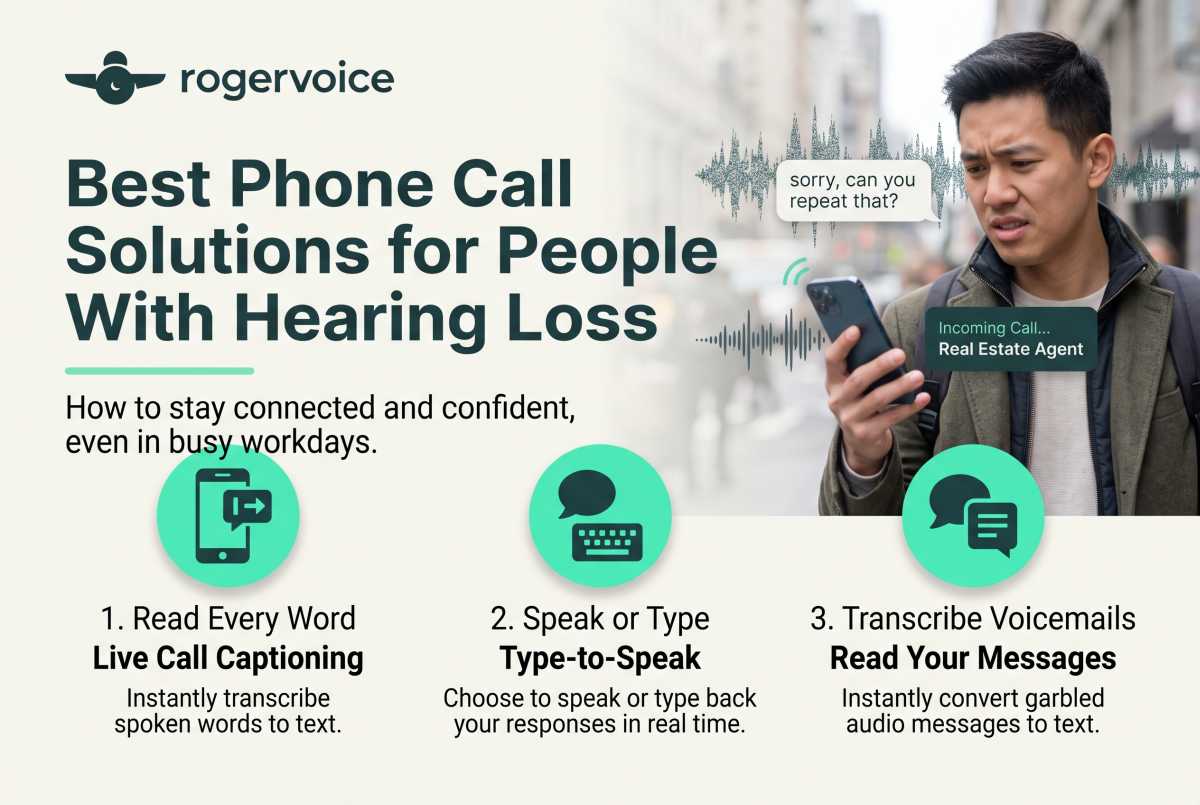
It is the middle of a busy workday when your mobile phone rings, an important follow-up call from your real estate agent. Because of the ambient noise around you, you know answering will instantly trap you in the dreaded “sorry, can you repeat that?” loop. Instead of pushing through a chaotic conversation, you end up letting it go to voicemail, only to find yourself replaying a garbled, 30-second audio file six times just to confirm a single appointment.
Let’s be completely honest, a scenario like this is incredibly annoying. It halts your daily momentum, burns through your mental energy, and turns a basic piece of coordination into an exhausting chore.
If you’re researching modern call solutions for hearing loss, you’ve probably noticed that the options can vary widely. A recent Rogervoice survey found that 60% of Americans say phone calls are still not accessible for people who are deaf or hard of hearing. Fortunately, staying in control of your schedule doesn’t have to mean using a separate device that doesn’t fit the way you live. For many people with hearing loss, the most practical solution lives directly on the smartphone they already use.Preview (opens in a new tab)
Traditional Phone Options
Previously, when people started looking for phone options, they often found text-based devices or stationary desktop models. While these laid the foundational groundwork for accessibility, they don’t exactly move at the speed of a modern career or social life.
- TTY (Teletypewriter) Hardware: TTY systems were important for their time, but they are slower than modern caption call apps and usually require separate equipment.
- Amplified Landlines: These physical home phones simply increase the volume of the receiver.
- Vibrating or Flashing Alert Add-ons: These are useful for alerting you to an incoming call, but they don’t help you catch every word once you pick up.
Where Traditional Phone Devices Still Help
Traditional caption phones and amplified landlines still work well for people who prefer a dedicated device at home. They provide reliable access in a fixed location.
However, for active adults who are running businesses, managing households, and constantly on the move, a stationary setup is often impractical. You need a communication tool that is as mobile and dynamic as the rest of your lifestyle.
Why Caption Call Apps Fit Modern Life
You don’t need to purchase a whole new physical device to upgrade your calling experience. The ideal setup is a smart app built for the iPhone or Android you already carry.
The shift is straightforward: Instead of relying on separate landline hardware, you can now use a mobile app that captions calls on the smartphone you already own. Modern caption call apps use secure, AI-powered speech recognition to stream text in real time, so you can read along as the conversation happens.
How Rogervoice Helps You Take Calls With Confidence
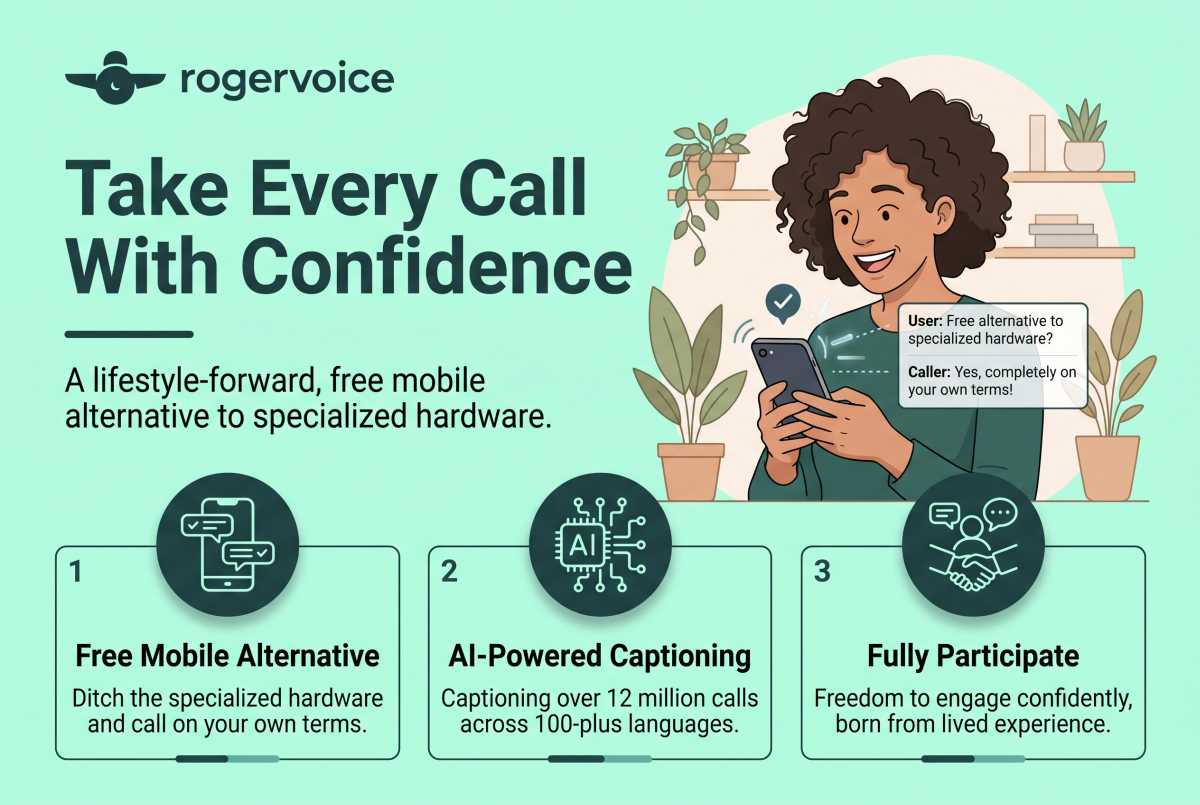
Rogervoice is a lifestyle-forward app that gives you a free mobile alternative to specialized hardware. Designed from the lived experience of Olivier Jeannel, deaf since age 2, our AI-powered platform has captioned more than 12 million calls across 100-plus languages. It gives you the freedom to participate fully in every conversation on your own terms.
Be Yourself On Every Call – Gain the confidence to pick up the phone anytime, anywhere. Since Rogervoice uses strictly AI-only captioning, your captions are generated automatically in real time. No one on the other side of the conversation needs to know you are reading text on your screen, so you can handle every call just like anyone else.
Stay Connected Without Missing The Details – Every single conversation represents a vital relationship, and life doesn’t pause for missed details. Avoiding a phone call because you are tired of straining to hear means you’re letting a valuable connection fade away. We built our platform because we’ve lived through those exact moments. You’re not navigating this journey alone.
Pick Up With Peace Of Mind – You deserve to pick up the phone and know the call will go well. Your privacy is protected by design. Rogervoice uses AI-only captioning, so there’s never a human listener on the line. No ads. No data sold. Built under GDPR standards since 2014, Rogervoice maintains an 11-year track record with zero enforcement actions. Your most private conversations deserve the most private technology.
Frequently Asked Questions
Are there any hidden monthly fees for the app?
No. There are no monthly subscription fees. Since Rogervoice is an FCC-certified provider, captioning is completely free for eligible users with hearing loss. Costs are supported by a federally administered fund.
Do I need to inform my cell carrier if I use a caption app?
No. Modern software integrations function alongside your existing cellular provider and mobile number. There is no need to change your data plan, swap out your SIM card, or modify your carrier settings.
Can I review what was said after the call ends?
Yes. You never have to piece a call together after the fact and hope you got it right. Rogervoice automatically saves a secure, searchable text log of your calls, allowing you to double-check addresses, dates, or complex instructions whenever you need them.
Download free on App Store and Play Store. Make the call you’ve been putting off.
FEDERAL LAW PROHIBITS ANYONE BUT REGISTERED USERS WITH HEARING LOSS FROM USING INTERNET PROTOCOL (IP) CAPTIONED TELEPHONES WITH THE CAPTIONS TURNED ON. There is a cost for each minute of captions generated, paid from a federally administered fund.
