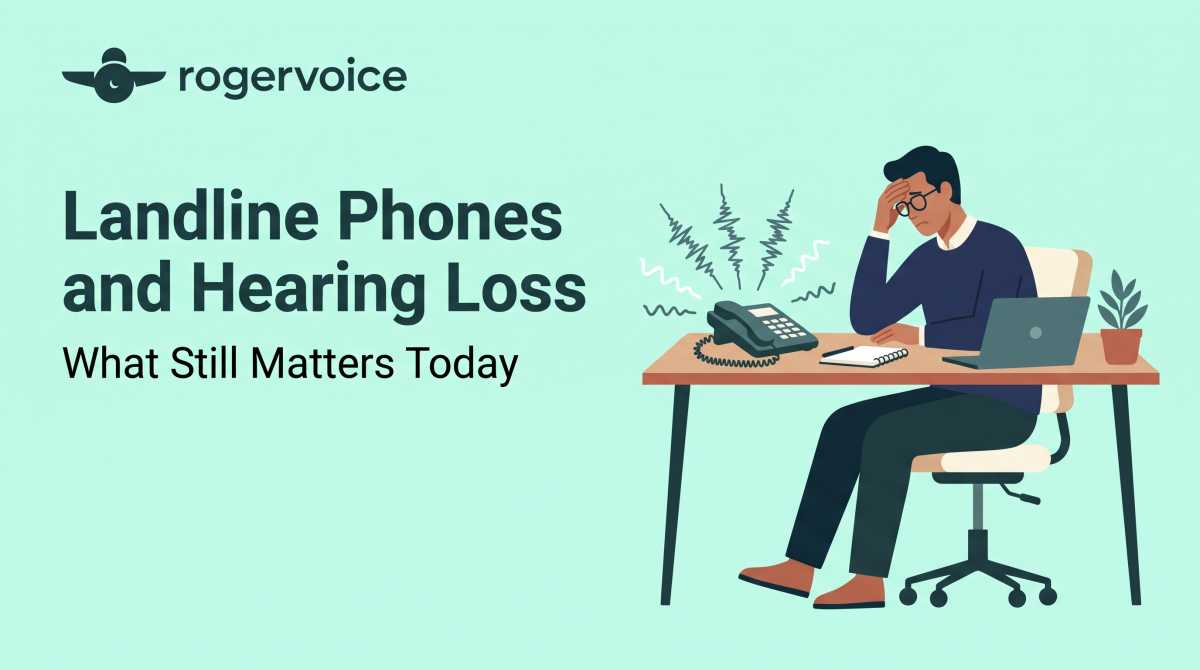
As you sit in your home office, trying to finalize an urgent logistical detail with a vendor, the audio on your desk line suddenly turns into an abstract wash of static. You immediately fall into that tedious, repetitive “Sorry, can you repeat that?” loop. Or worse, you don’t even bother to answer. You give up and let the call roll over to voicemail and find yourself replaying a fuzzy message six times just to guess whether they mumbled “15” or “50.”
Let’s be matter-of-fact about it: It’s incredibly annoying. The difficult phone call breaks your concentration, stalls your momentum, and turns a basic, two-minute transaction into an exhausting mental puzzle.
When your hearing changes, it’s easy to assume the only option when looking for phones for hard of hearing and hearing-impaired users is a traditional landline phone. A recent Rogervoice survey found that 60% of Americans still find phone calls inaccessible for people who are deaf or hard of hearing. But while physical desk setups still help some users, modern communication needs a more flexible approach that keeps up with your active life.
What Actually Matters in Hard of Hearing Tech?
If you keep a desk line for business reasons or personal preference, a few features can make calls easier to follow.
- Frequency Tailoring: Hearing changes dynamically. High-quality desk units allow you to adjust the pitch, not just the volume.
- Hearing Aid Compatibility: Ensuring the handset pairs cleanly with telecoils or Bluetooth streamers helps feed the audio directly to your ears without ambient room echo.
- Decibel Amplification: Specialized hardware uses internal amplifiers to raise incoming sound so you can catch more of the conversation.
While these traditional features solve part of the puzzle, a specialized physical landline phone comes with a catch: It really only works in one fixed place. But in a world where business, travel, and social lives happen on the move, a stationary device often does not fit a modern lifestyle.
Moving Beyond the Desk
The real secret to upgrading your communication environment is not heavier desk hardware. It’s about bringing the captioning power of a modern app directly onto the smartphone you already carry everywhere.
The shift is simple to understand when learning how caption phone service works without the jargon. Amplified landlines can improve volume in a fixed location, but mobile caption apps give you real-time text support on the device you already own, in any location.
Rogervoice brings the practical value of captioned calling into a free, AI-powered mobile app. Designed from lived experience by Olivier Jeannel, deaf since age 2, the AI-powered platform converts spoken language into readable text on your smartphone screen. It gives you a reliable visual backup, so nothing slows you down.
How Rogervoice Helps You Take Calls With Confidence
Moving beyond fixed desktop setups lets you approach communication with complete independence. By adding a modern app to your smartphone, your communication setup is anchored by three practical benefits.
Be Yourself – You should have the freedom to take or make a call anytime, anywhere. Since Rogervoice uses AI-only captioning, your captions are generated automatically in real time. No one on the other end of the line needs to know you are reading text,so you can handle every call like everyone else.
Stay Connected – Every conversation is a relationship, and your life doesn’t pause for missed details. Avoiding the phone out of frustration means letting valuable personal and professional connections slide away. We built our technology because we have lived through those exact scenarios. With more than 12 million calls captioned across 100-plus languages, you work with a proven solution.
Peace of Mind – Pick up the phone and know your call will go well. Rogervoice uses AI-only captioning, meaning no human listener is ever on the line. No ads. No data sold. We built this app under GDPR standards since 2014, and we maintain an 11-year track record with zero enforcement actions. Your most private conversations deserve the most private technology.
Frequently Asked Questions
Do I have to cancel my traditional landline to use a caption app?
No. You can keep your existing desk line for incoming calls or business routing. Adding a mobile caption app to your smartphone simply gives you real-time text support that travels with you outside the office.
Are there monthly fees for an AI-powered caption app?
No, there are no monthly subscription fees. Since Rogervoice is an FCC-certified provider, captioning is completely free for eligible users with hearing loss. Costs are supported by a federally administered fund.
Can I save a text transcript of my calls?
Yes. A digital caption app can save a secure text log of your calls. You can easily look back and verify addresses, dates, or complex instructions whenever you need them.
Download free. Make the call you’ve been putting off.
FEDERAL LAW PROHIBITS ANYONE BUT REGISTERED USERS WITH HEARING LOSS FROM USING INTERNET PROTOCOL (IP) CAPTIONED TELEPHONES WITH THE CAPTIONS TURNED ON. There is a cost for each minute of captions generated, paid from a federally administered fund.
